




01 · Sales
Sales & Checkout
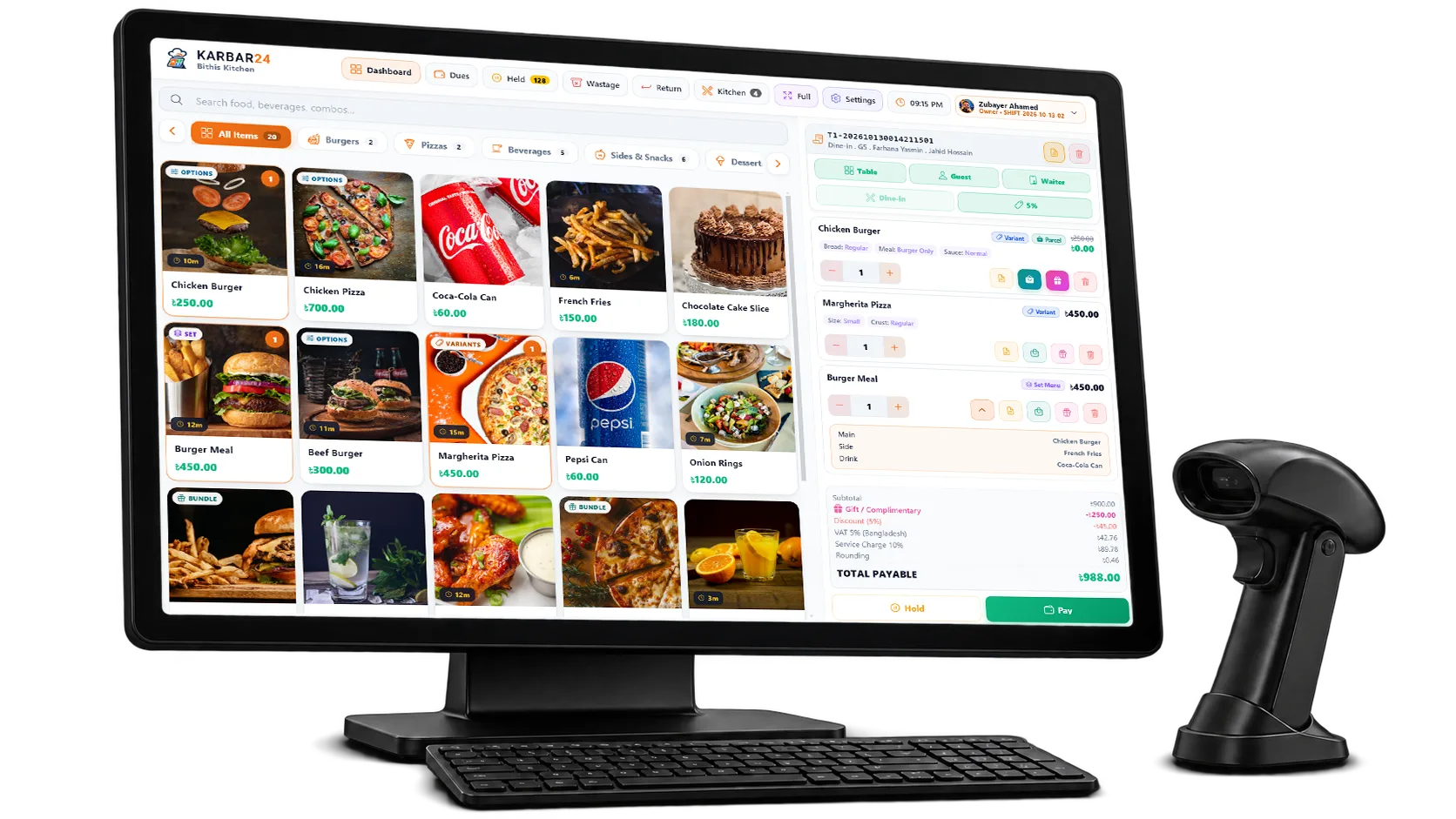
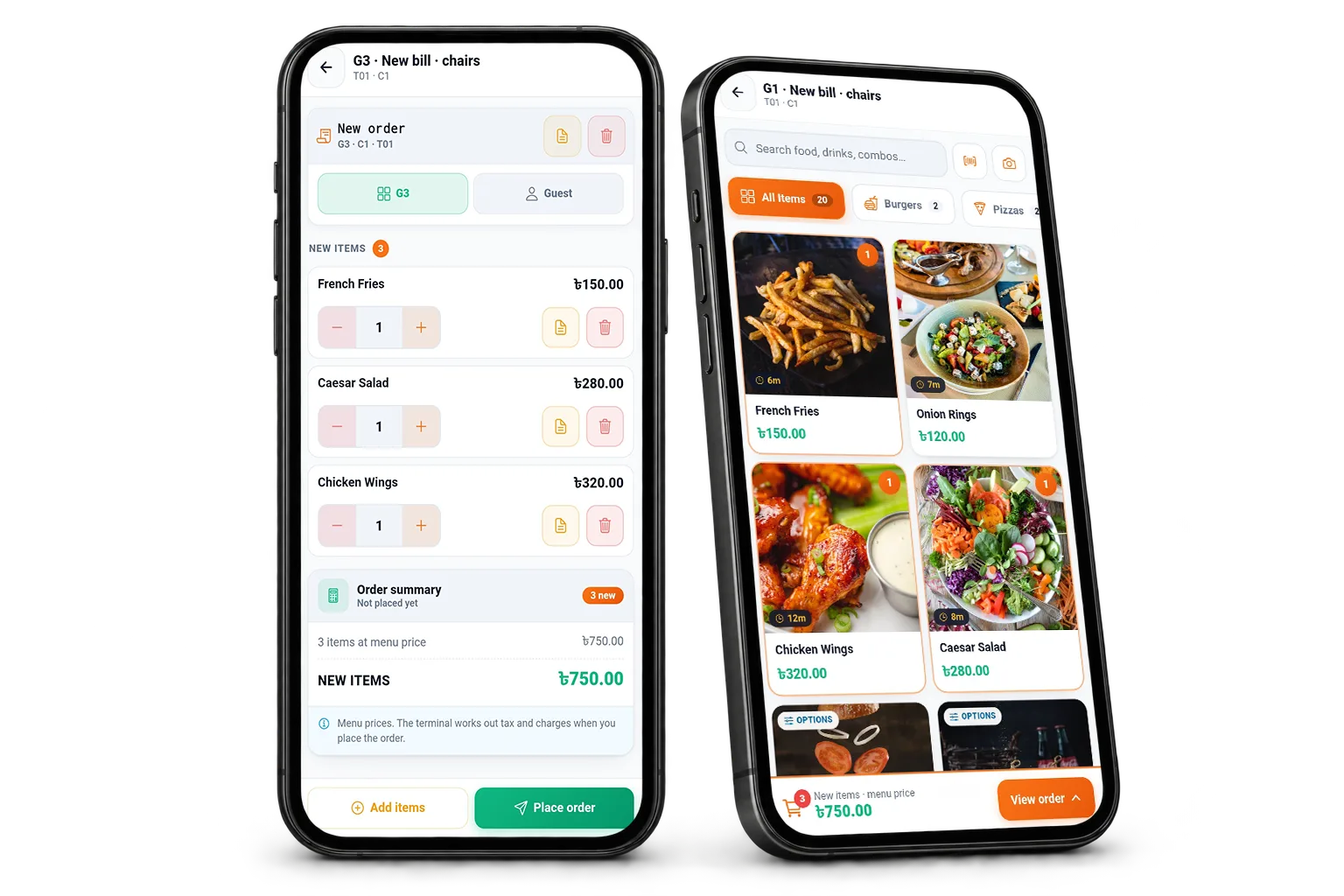
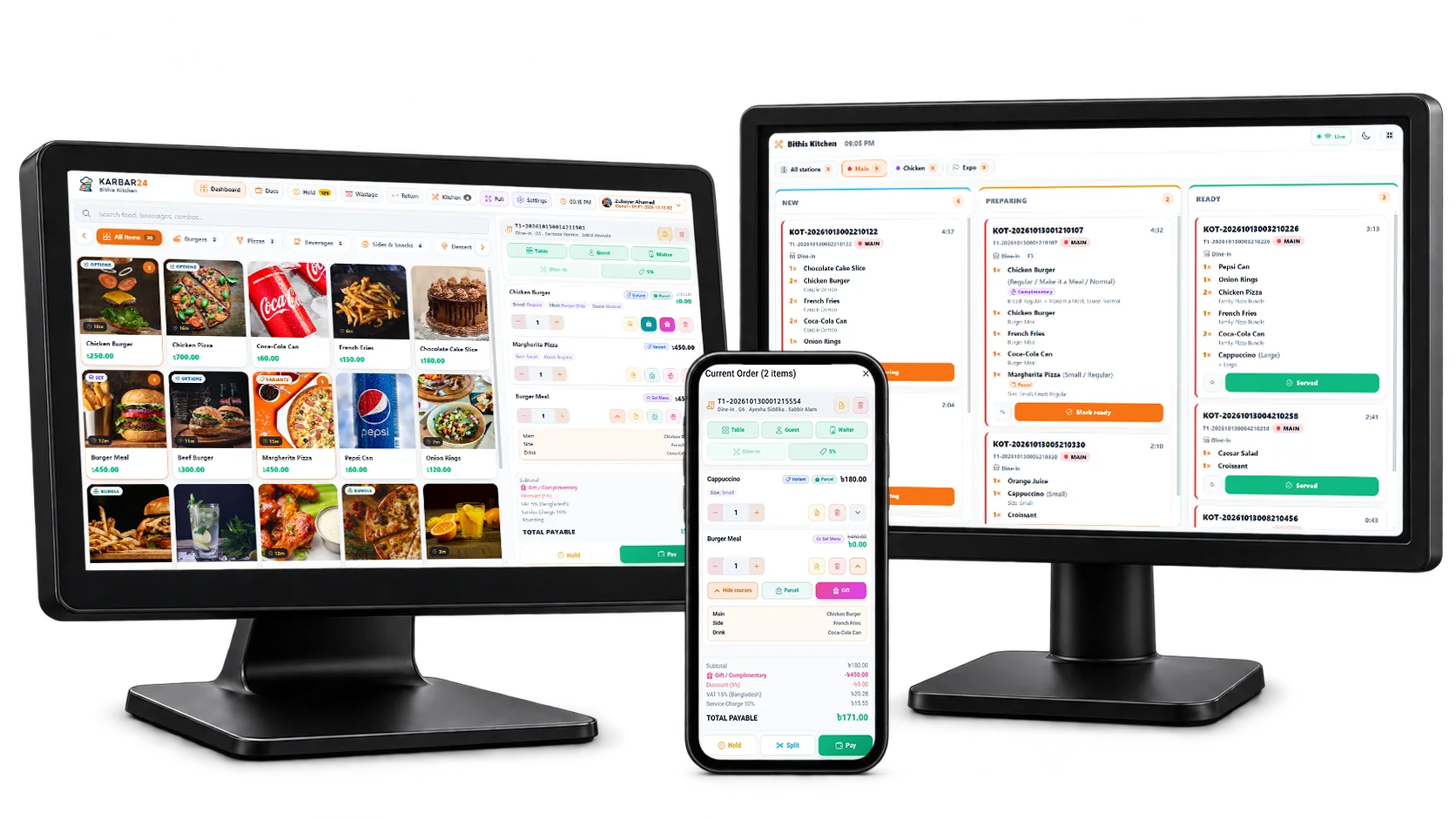
Fast, touch-first selling for busy counters — on a Windows PC, an Android tablet or in the browser.
Selling
- Two-tap sale Complete a sale with minimal interaction; variants, options and modifiers open in a single sheet.
- Product grid Large, touch-friendly tiles with a category rail and sub-categories.
- Live product search Find any item as you type.
- Barcode selling Scan with a USB or Bluetooth barcode scanner to add an item to the cart.
- Stock & offer flags Low-stock and out-of-stock flags, and a "was" price with a -N% badge on items on offer.
- Sell by weight or in parts Sell 1.25 kg or 0.5 L from a quantity pad; receipts, tickets and stock follow the part.
- Keyboard shortcuts F-keys for customer, table, waiter, discount, hold and pay — the whole counter works from the keyboard.
Cart & transaction
- Cart editing Add or remove items and adjust quantities with a calculator keypad; every removal is logged.
- Line notes, complimentary & parcel Mark one line or the whole order as complimentary or parcel, and add notes.
- Item and order discounts Discount a line or the whole order within the limit of your role.
- Supervisor approval A discount above the cashier's limit needs a supervisor PIN, recorded on the order.
- Coupons & automatic offers Campaigns apply automatically or with a coupon code at checkout.
Checkout
- Payment screen A dedicated checkout with a numeric keypad, quick-tender amounts and automatic change.
- Cash, card & mobile banking Take cash, card or bKash / Nagad / Rocket / Upay, with the reference number stored.
- Split payment Mix cash, cards, wallets, gift cards and loyalty points on one bill.
- Customer due Leave the balance on the customer's account and collect it later.
- Gift cards & loyalty points Redeem up to five gift cards and the customer's points as payment.
Returns & exchanges
- Return items Take back some or all items of a paid bill — back in stock or written off — with a printed return slip.
- Refund any way Refund in cash, back the way it was paid, or as store credit on a gift card.
- Exchange Swap items in one go: the customer pays only the difference, or gets the rest back.
- Return rules Mark products not returnable or set a return window; only a manager can go outside the rules.
- Return at another outlet CloudFind and take back a bill sold at any outlet of the business.